Positioning studio
Promise boardName the buyer and the first visible win.
The page opens with one promise, one audience, and one measurable transformation instead of a vague course title.
Course launch page sample
A creator page should not beg for trust. It should let buyers inspect the lesson, the curriculum, the cohort dates, and the support path before they join.

CourseLaunch Studio
A course launch page should answer risk before asking for money.
Can I trust the teacher?
Show method, lesson style, and credentials.
Will I finish?
Show workload, schedule, and support.
Is this for me?
Show fit, outcome, and prerequisites.
What happens next?
Show waitlist, dates, and handoff.
Curriculum runway
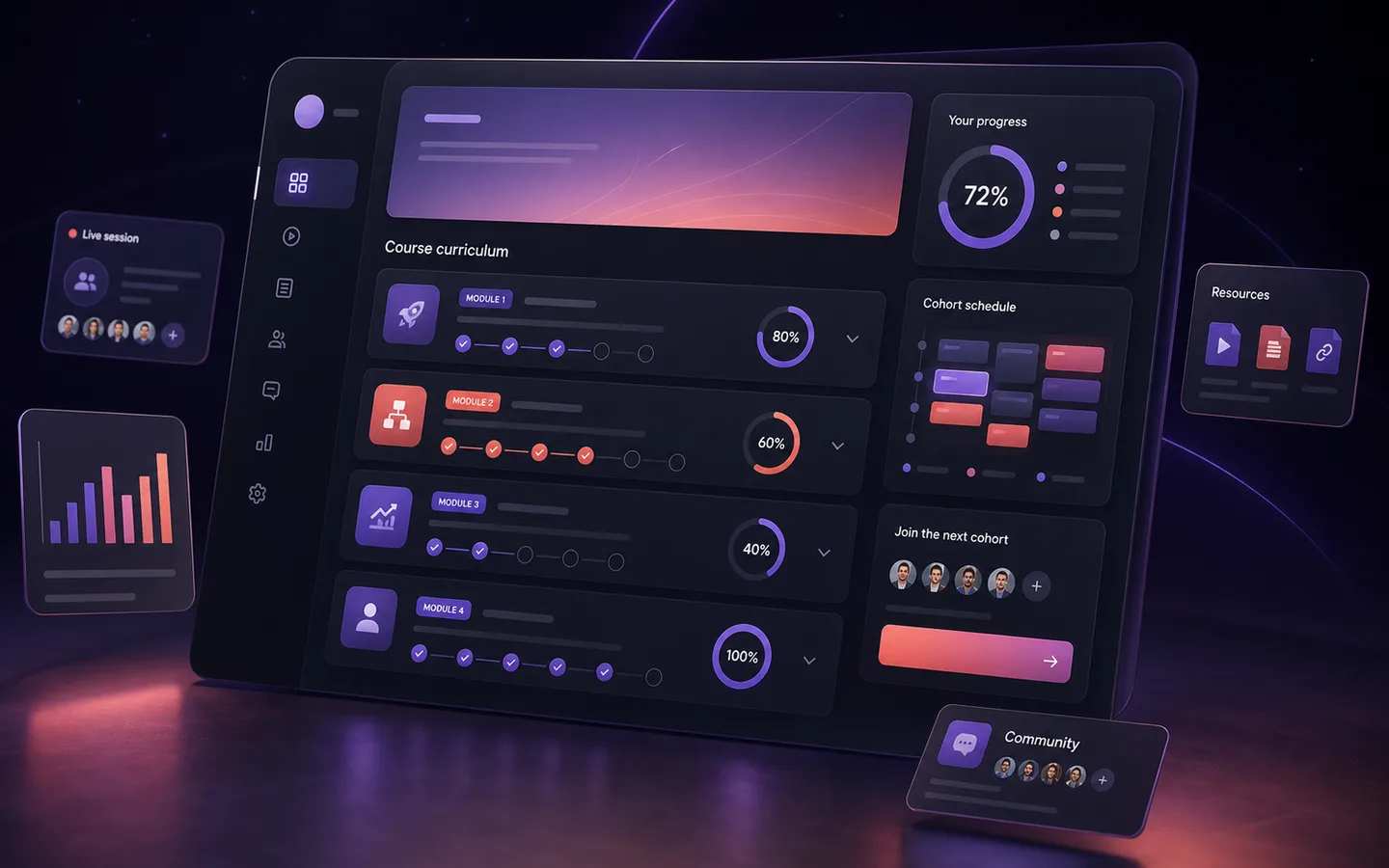
Instead of a generic module grid, the story moves like a production board: promise, lesson, proof, enrollment.
Positioning studio
Promise boardThe page opens with one promise, one audience, and one measurable transformation instead of a vague course title.
Lesson architecture
Module runwayModules are shown as outcomes, exercises, checkpoints, and artifacts so the course feels built, not imagined.
Proof engine
Proof stackUse screenshots, workbook pages, clips, instructor notes, and demo examples until real student proof is available.
Enrollment room
Launch pageDates, workload, support, fit, FAQ, and the waitlist CTA sit together so the decision feels low-friction.

00:00
Why most first courses feel too abstract
04:20
The offer sentence rewrite
09:45
Curriculum map from one buyer outcome
15:10
Waitlist CTA and proof slots
The free lesson is not filler. It is the trust mechanism.
Free lesson theatre
A course buyer needs to hear the voice, see the pace, and understand what they will create. The lesson theatre answers those questions in one focused viewport.
Cohort path
The timeline creates urgency without fake pressure. It tells the learner what happens, when, and why each step exists.

01
May 28
Preview lesson, workbook, and checklist go live.
02
Jun 03
Creator teaches the method and answers fit questions.
03
Jun 10
Cohort details, support rhythm, and pricing path are visible.
04
Jun 17
Weekly build sessions, feedback windows, and progress rituals start.
Proof-ready, not fake proof
Instructor trust system
This sample avoids fake testimonials. It gives creators precise places to put what they actually have: work, clips, credentials, student artifacts, and process.
Credentials, published work, teaching clips, or audience history.
Screenshots, workbook samples, before-after notes, and approved examples.
Office hours, feedback rules, community rhythm, and completion expectations.
Enrollment room
The final fold should not introduce new complexity. It should summarize fit, give the buyer a low-risk action, and keep WhatsApp or email reachable.
Good fit
Creators with a teachable method and one clear learner promise.
Waitlist first
Use this before payment setup to test demand and language.
Replace proof
Every demo proof area is clearly marked for real approved evidence.
Build path
Connect to email, checkout, community, or a call-based enrollment later.
Yes. Start with a waitlist or enquiry CTA, then add payment links when ready.
Yes. The preset includes expandable lesson and module areas.
Yes. Swap the course sections for features, outcomes, and purchase details.
This keeps the sample realistic for creators who are still validating demand, recording content, or choosing a course platform.